One Connector, Two Pinouts: The Modular PSU Cable Trap UK Builders Keep Falling Into
Modular power supplies are sold as a convenience: plug in only the cables you need, keep the inside of the case tidy, and swap a failed unit without rebuilding the whole loom. That last part is where UK upgraders get into trouble. The cables are modular at the PSU end, not universal. A spare PCIe lead from one box can look identical to the one you need and still send 12V down a wire that expects ground. The result ranges from a refused POST to a dead drive, a cooked GPU or a very quiet build that never starts again.
The PSU end is not the standard end
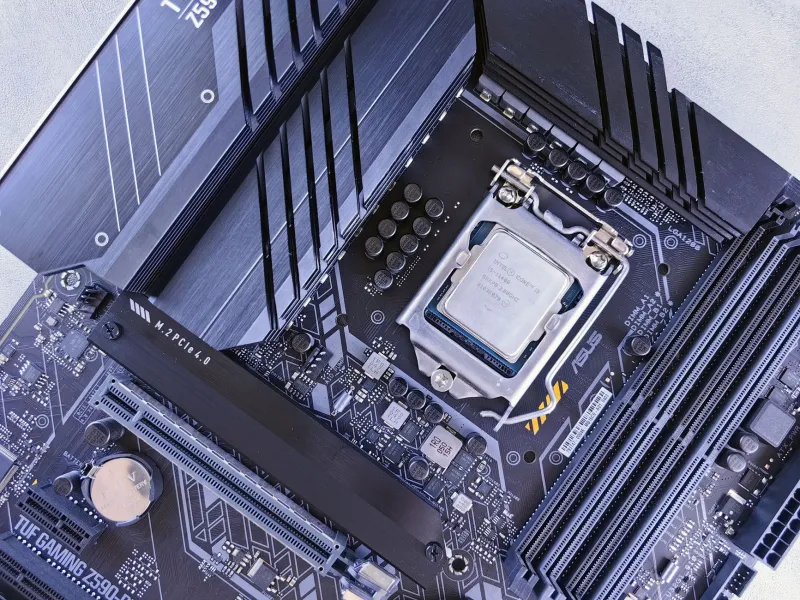
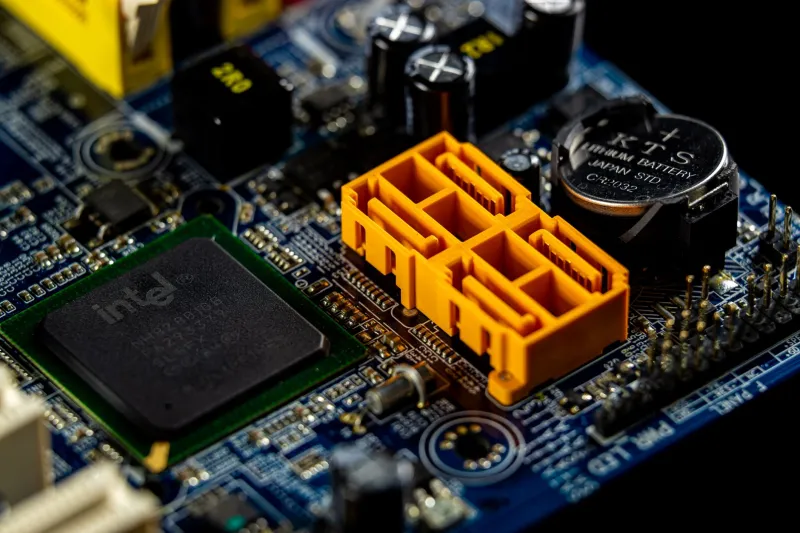
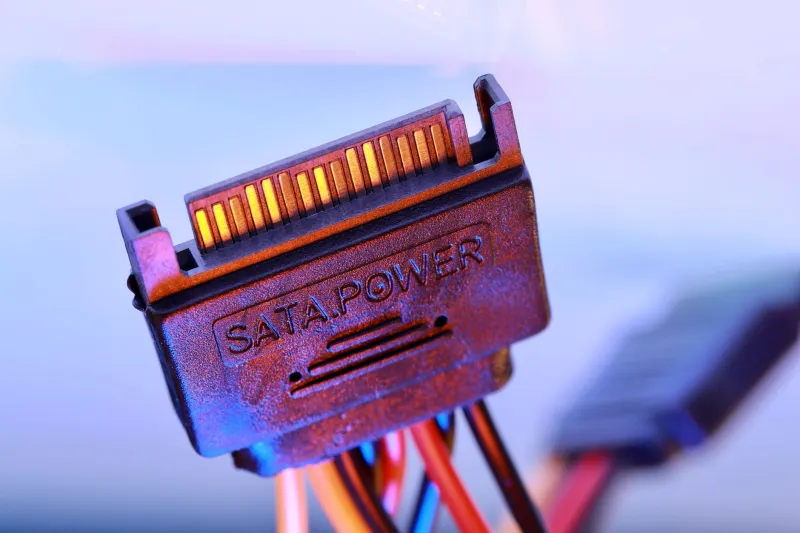
ATX standards describe the connectors on the component side reasonably well. The PSU side is a different story. Manufacturers use their own pinouts, and some change them between models or revisions without changing the shape of the plastic housing. A 24-pin, an 8-pin EPS, a PCIe 8-pin and a SATA lead can all look like they belong together while carrying different voltages on different pins.
That is why the cable bag is not a spares kit. Even two modular units from the same brand are not safe to mix unless the manufacturer explicitly says the cables are compatible. Two units from different brands are a firm no. The connector may click into place; the pinout can still be wrong. Some builders get away with it for months. Others find out when a graphics card makes a small pop and the office smells of hot plastic.
The second-hand PSU audit
In 2026, second-hand modular PSUs are common on UK marketplaces, car-boot tables and office clear-outs. A used unit can be a sensible buy if it is a known model with all its original cables. It can also be a box of mystery leads with a label that has been rubbed off. Treat the cable set as part of the PSU, not as a free extra.
Start with the label on the unit itself, not the listing title. Note the exact model number and revision. Check that the seller has the original cable bag and that the leads are labelled or tagged for that model. If the cables are loose, unlabelled or clearly from another brand, walk away or budget for a replacement set from the manufacturer. Do not assume a generic cable bundle sold online is safe because it says modular PSU on the packet.
Inspect the connectors before handing over cash. Look for scorch marks, melted plastic, bent pins, stretched sleeves and signs that someone has pushed a wrong connector into place. Check the PSU fan for dust and the casing for dents. A private sale gives you little comeback, so a careful look in the seller’s kitchen is worth more than a hopeful message afterwards.
Label first, build second
If you keep more than one modular PSU in the house, separate the cables. A drawer full of black leads is how mistakes happen. Label each cable at both ends with the PSU model and the connector type. Masking tape and a permanent marker are enough. Keep the cable bag with the PSU, or store it in a labelled zip bag. In a small UK office with two or three PCs, colour-coding the plugs or using cable tags saves an afternoon of guessing later.
Before the build, photograph the PSU label and the cable set. If you are fitting a new graphics card or a fresh drive, take a picture of the existing connections before you unplug anything. It sounds fussy until you are kneeling on a spare-room floor trying to remember whether the loose 8-pin was for the CPU or the GPU.
The first power-on should be boring
Build outside the case if you can, on a cardboard box or a non-conductive surface. Connect only the 24-pin and the CPU EPS lead first. Use a PSU tester or a multimeter if you know how to use one safely; check the 3.3V, 5V and 12V rails before adding expensive parts. Never open the PSU itself. The capacitors inside can hold a charge long after the unit is unplugged from the UK mains.
If the board powers up, add one component at a time. Connect the GPU with the correct PCIe leads from that PSU’s own set. Add drives and fans last. If something fails, do not start swapping in cables from another modular unit to see if it works. That is how a small fault becomes a large repair bill. Unplug from the wall before changing any cable.
When to walk away
A modular PSU without its original cables is not automatically scrap, but it is not a bargain either. Replacement sets can cost more than the saving, and the wrong set can damage every part connected to it. If the model number is unclear, the cable bag is missing, the leads are unlabelled or the seller cannot say which unit they came from, leave it. The few pounds saved are not worth the risk to a build.
Modular cables are a good idea. They are just not Lego. Keep each set with its exact PSU, label the leads, and test before the full build goes live. That routine is dull, quick and much cheaper than replacing a graphics card because a spare cable from the wrong box looked close enough.