Stop Posting PSUs Back Until You’ve Looked at the Wall
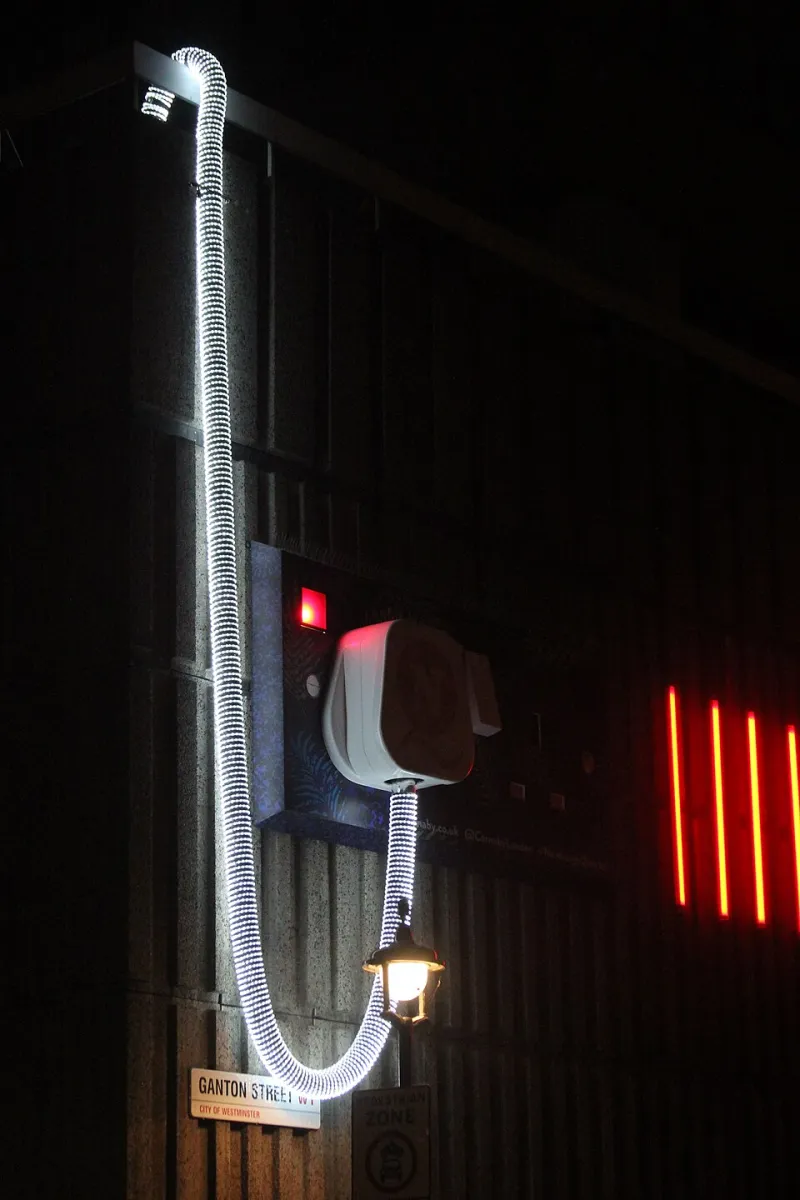
Photo: Oast House Archive , CC BY-SA 2.0, via Wikimedia Commons
A desktop that cuts out mid-game, reboots when the GPU spins up, or refuses to wake from sleep is easy to blame on the PSU. It is the box with the fan, the thick cables and the scary reputation. But before you post it back, spend £12 on a plug-in socket tester and a plug-in energy monitor. In a spare-room office or an older UK house, the fault may be sitting in the wall socket rather than inside the case.
This is not about dodging a legitimate RMA. It is about not wasting one on a PSU that was never the problem.
The PSU only sees what the socket gives it
UK mains is nominally 230V, and a decent ATX unit is designed to cope with normal variation. What it cannot do is invent a solid earth, correct reversed live and neutral, or compensate for a loose connection that sags under load. A socket tester will not find every electrical fault, but it catches the common wiring mistakes quickly and without opening anything up.
If the tester says the socket is wrong, stop. Do not start swapping PSU cables or clearing CMOS. The PC is not the place to be clever when the supply has a question mark over it.
What a £12 tester can and cannot do
A basic plug-in socket tester uses a row of LEDs to show whether live, neutral and earth are present and in the right places. Some also have a test button for an RCD, though that is not a full circuit test and should not be treated as one. The point is triage: correct wiring, missing earth, reversed polarity, and a few other common faults.
It cannot load-test the circuit. It cannot prove ring continuity, measure earth impedance, or spot an intermittent fault that only appears when the washing machine kicks in. For that you need an electrician with proper test gear.
A plug-in energy monitor adds a useful second data point. It shows voltage, and often watts, at the socket. Note the voltage with the PC off, then again at idle and during a known load. If it sits well outside the normal 216–253V band, or jumps around noticeably, treat it as a supply-side issue and get advice. Do not go poking a multimeter into a live socket unless you genuinely know what you are doing.
The extension-lead trap
Most desks have an extension lead somewhere, and it is a favourite hiding place for voltage drop and general misery. Test the wall socket first, then test the extension lead separately. If the wall is fine and the extension is not, replace the extension — not the PSU.
UK extension leads have a 13A fuse in the plug, and coiled leads can get warm when loaded. Daisy-chaining leads is a bad habit that turns one questionable connection into three. Check that the plug is fully inserted, that the fuse holder is not loose, and that there is no scorching or discoloured plastic. Old houses add another layer: sockets on spurs, kitchen circuits that have been extended by a previous owner, and outdoor sockets that were a good idea at the time. If you can, compare another socket on a different circuit before drawing conclusions.
When the UPS is the thing confusing you
A UPS can make the wall look better than it really is. A line-interactive unit may trim or boost voltage; an online double-conversion unit regenerates the supply entirely. If the PC is only stable when it is behind the UPS, that is a clue, not a cure.
Test the wall directly first. Then test the UPS output with the energy monitor. Also listen to the UPS: frequent clicking, beeping or switching to battery under a normal desktop load means something needs investigating. A UPS is a useful backup device, but it is not an electrician and it will not fix a missing earth.
Five-minute check for a spare-room office
- Shut the PC down and unplug it.
- Plug the socket tester into the wall socket and compare the LED pattern with the label.
- If it shows a fault, stop and book an electrician. Do not open the socket yourself.
- Plug the energy monitor into the same socket and note the voltage with nothing else running.
- Repeat on another socket, ideally on a different circuit.
- Test the extension lead on its own, then compare it with the wall socket.
- Plug the PC back in through the monitor and check voltage at idle and during a normal load. Do not use a heater or kettle to create that load.
- If the voltage is outside the normal range or moves sharply, contact your electricity distributor or an electrician before blaming the PSU.
- If wiring and voltage look sensible, move on to the PSU, the kettle lead and the load itself.
What the results mean
Missing earth or reversed polarity is a stop sign. That is not a PC problem and it is not something to work around with a different extension lead. Get it fixed properly.
Stable voltage and a clean tester result do not prove the PSU is innocent, but they make it a much better suspect. Check that the kettle lead is fully seated at both ends, try another known-good lead, and confirm the plug fuse is the right rating. If the PSU is still under warranty, you can send it back with a clearer story than “it just turns off sometimes”.
If the lights dim when the PC loads up, or the energy monitor shows a significant dip, that is a supply conversation, not a PSU conversation. In a small office, that conversation is worth having before a second desktop starts misbehaving on the same circuit.
The £12 verdict
A socket tester is not a replacement for an electrician, and it is not a full PSU test. It is a cheap, decisive first look. For £12 and five minutes, you can avoid a wasted return, a week without a working PC and the vague suspicion that the replacement PSU will do exactly the same thing. In 2026, with courier costs and restocking fees what they are, that is a sensible detour. Keep one in the drawer next to the spare kettle leads.